Let’s be honest: not everyone feels comfortable posting a full photo of themselves online, especially when they want honest opinions about a look, how a garment fits, or whether an outfit works for a special event.
You have probably seen people solve this the hard way by covering their face in Photoshop or trying to hide their surroundings before sharing a photo. But when you are already using Wardling to create and refine new looks, privacy should not feel like extra work.
That is why Wardling includes a simple privacy feature that gives you control before you share.
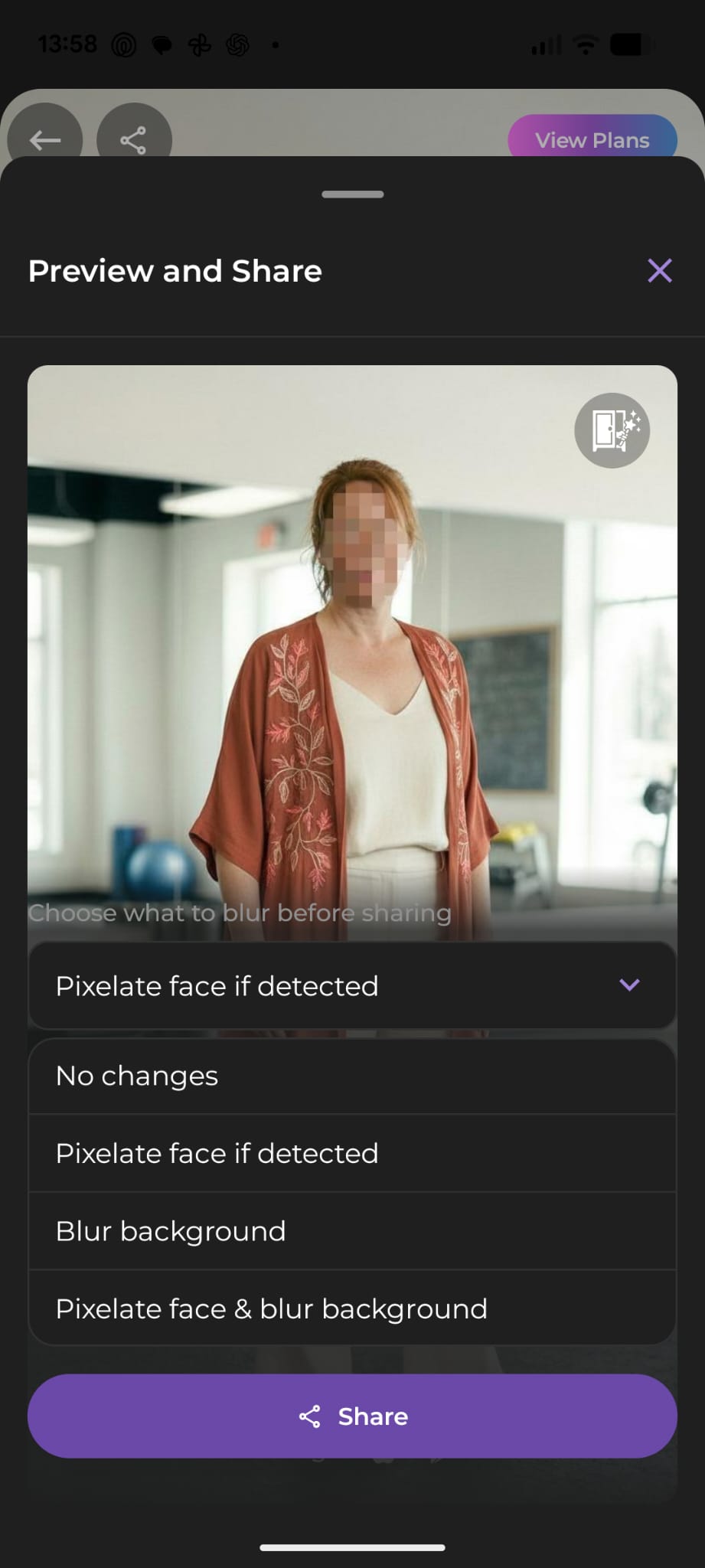
With one tap, you can pixelate your face, blur the background, or do both. It is a quick way to keep the focus on the outfit while keeping your identity and surroundings private.
This matters because styling is personal. Sometimes you want feedback from friends, family, or a wider community, but you do not necessarily want everyone to know it is you or see where the photo was taken. Wardling makes that choice easy.
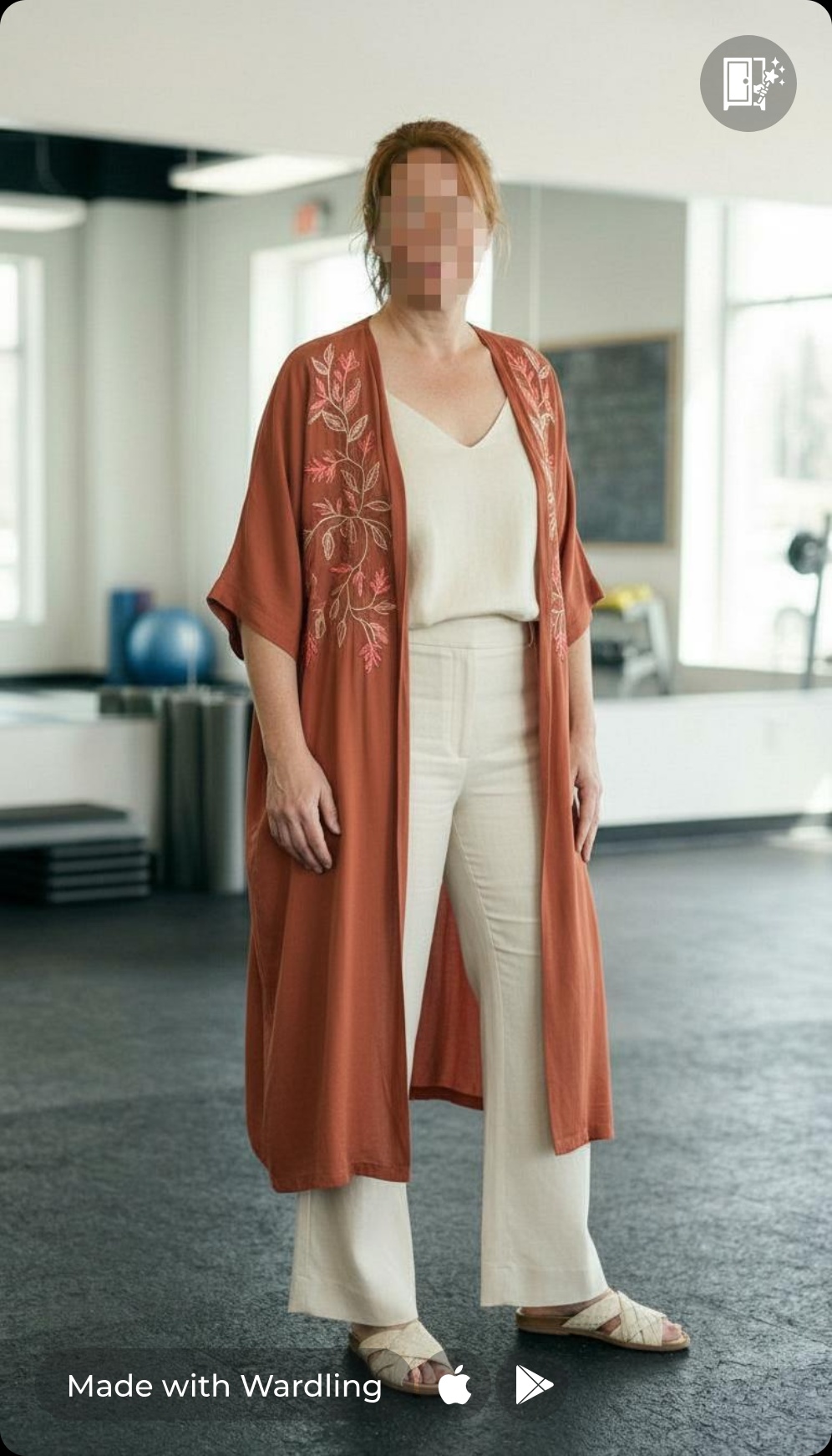
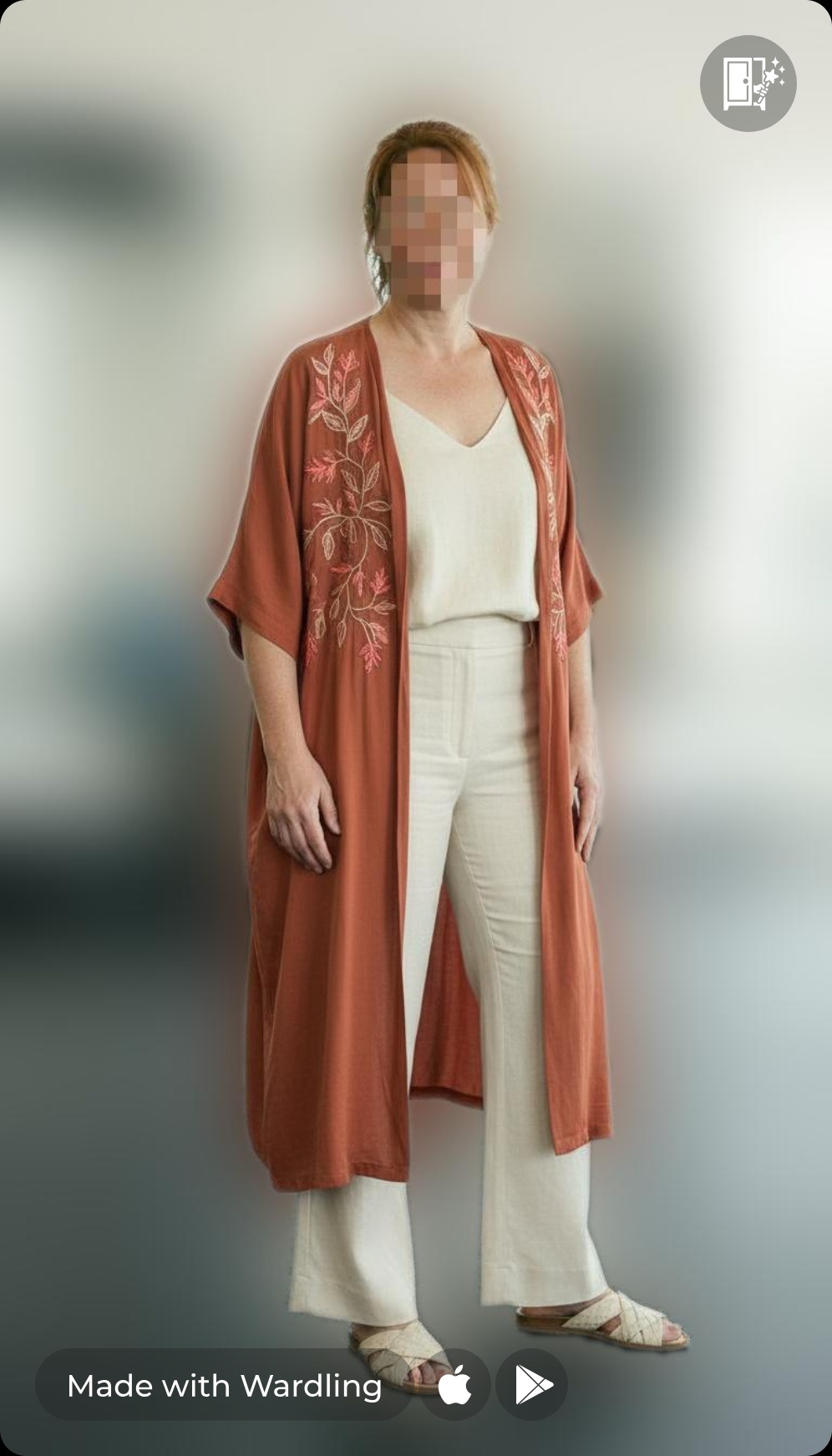
The result is simple: you can share your look with more confidence and less hesitation. Ask for opinions, compare ideas, and get the feedback you want, without overthinking your privacy.
Because sometimes the outfit deserves the spotlight, not your face or your living room.